


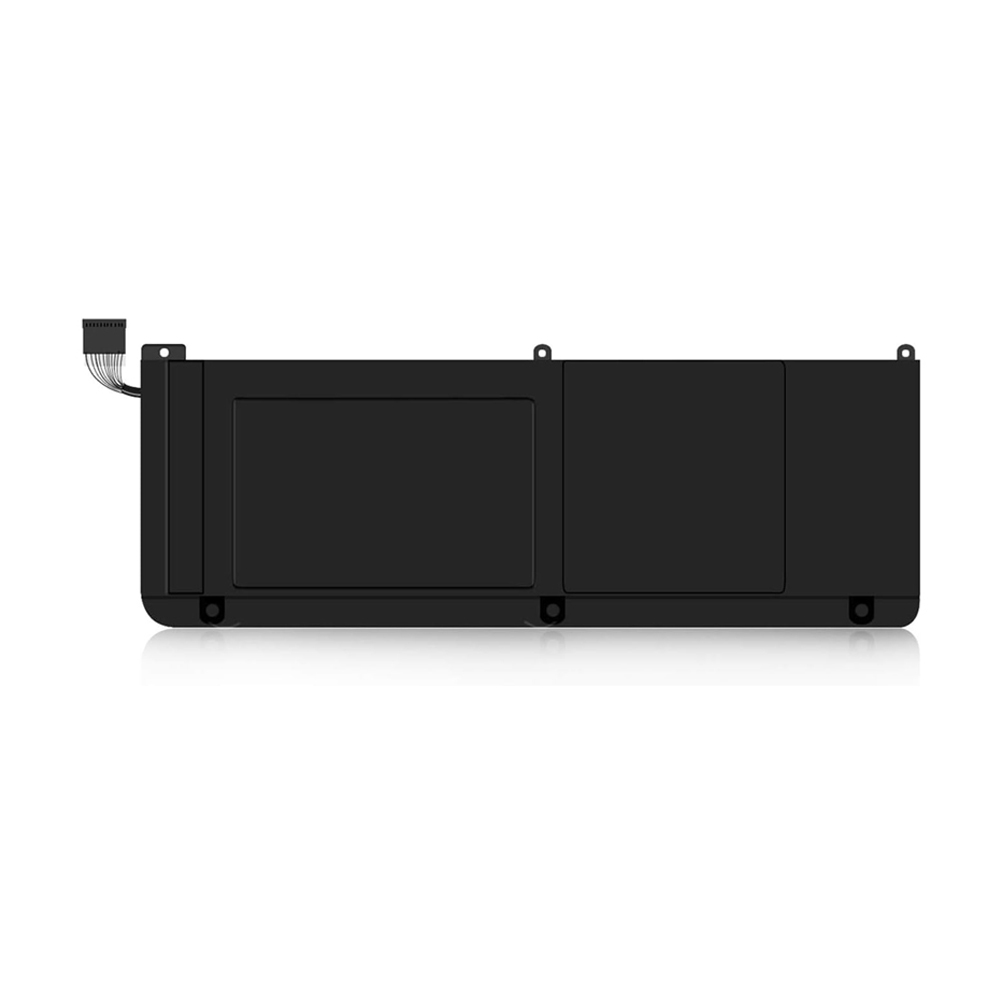
Laptop stops charging at exactly 60%. If I unplug and replug, it goes to 100%. Is my battery dying? Should I be worried?”
Part 1: Three Possible Causes
Cause 1: Overheating protection kicked in
Batteries generate heat when charging—especially fast charging or in hot weather. The battery’s protection board constantly monitors temperature. Once it exceeds a safety threshold (around 50°C / 122°F), it cuts off charging until things cool down.
When you unplug and replug, the protection board resets and may briefly allow charging again, but it’ll stop soon after. Think of it like a car’s engine temperature warning—it’s protecting itself.
How to tell: Feel the bottom of your laptop near the battery area. If it’s uncomfortably hot, that’s your culprit.
What to do: Unplug, let it cool for 30 minutes, then try again. Avoid charging on beds or blankets. Let the laptop breathe.
Cause 2: Battery conservation mode with a 60% threshold
Brands like Lenovo, Dell, Asus, and HP include “Battery Conservation Mode” or “Custom Charge Threshold” in their power management software. You can manually set the battery to stop charging at a certain percentage.
If you or someone else set it to “stop at 60%,” then stopping at 60% is normal behavior. Unplugging and replugging might temporarily override the setting, but it’ll stop again soon.
How to tell: Open your brand’s power management app (Lenovo Vantage, Dell Power Manager, MyASUS, etc.) and check the charge threshold setting.
What to do: If you need a full 100% before heading out, turn off conservation mode or raise the threshold to 100%. If you keep your laptop plugged in most of the time, leaving it at 60%-80% actually extends battery life.
Cause 3: Cell imbalance — battery is aging
If neither of the above applies—laptop isn’t hot, and conservation mode is off—the issue might be internal cell voltage imbalance.
A laptop battery contains multiple cells wired in series. During charging, the system monitors each cell’s voltage. If one cell reaches its full voltage (4.2V) early while others are still low, the protection board stops the entire charge to prevent overcharging that single cell. The total charge might show only 60%.
Unplugging and replugging resets the board, but the same cell will trigger another stop soon after. This is a classic sign of an aging battery.
How to tell: Your battery is 2-3+ years old, or its health is already below 70%.
What to do: This isn’t fixable. Time for a new battery.
Part 2: Three-Step Troubleshooting
-
Check temperature — Hot? Let it cool, improve ventilation.
-
Check settings — Open power management software, disable conservation mode or raise threshold.
-
Check age — Battery over two years old and issue persists? Replace it.
Bottom Line
A battery that stops at 60% is usually just conservation mode or heat protection—not a real problem. But if you’ve ruled those out and the battery is old, it’s likely cell imbalance. Time to replace it.
Batteries are easy to ignore until they start acting up. But once you understand what’s happening, most cases are simple to diagnose.
If your battery really needs to be replaced and you’re worried about getting a substandard one, you can take a look at the notebook batteries in our store .Home – Dowellon