


“Time remaining: 2 hours 17 minutes.” You glance at the bottom-right corner of your screen, unplug the charger with confidence, and head to the conference room with your laptop.
28 minutes later, a red warning flashes: “Battery below 10%. Connect your charger immediately.”
Does this sound familiar? Your laptop battery is “lying” to you with its declining performance. This isn’t just normal battery aging—it’s the silent collapse of mobile productivity.
The First Truth: Most People Make This Mistake When Replacing Batteries
The market offers two choices:
-
Temptingly priced compatible batteries: 30-50% cheaper, promising “perfect compatibility”
-
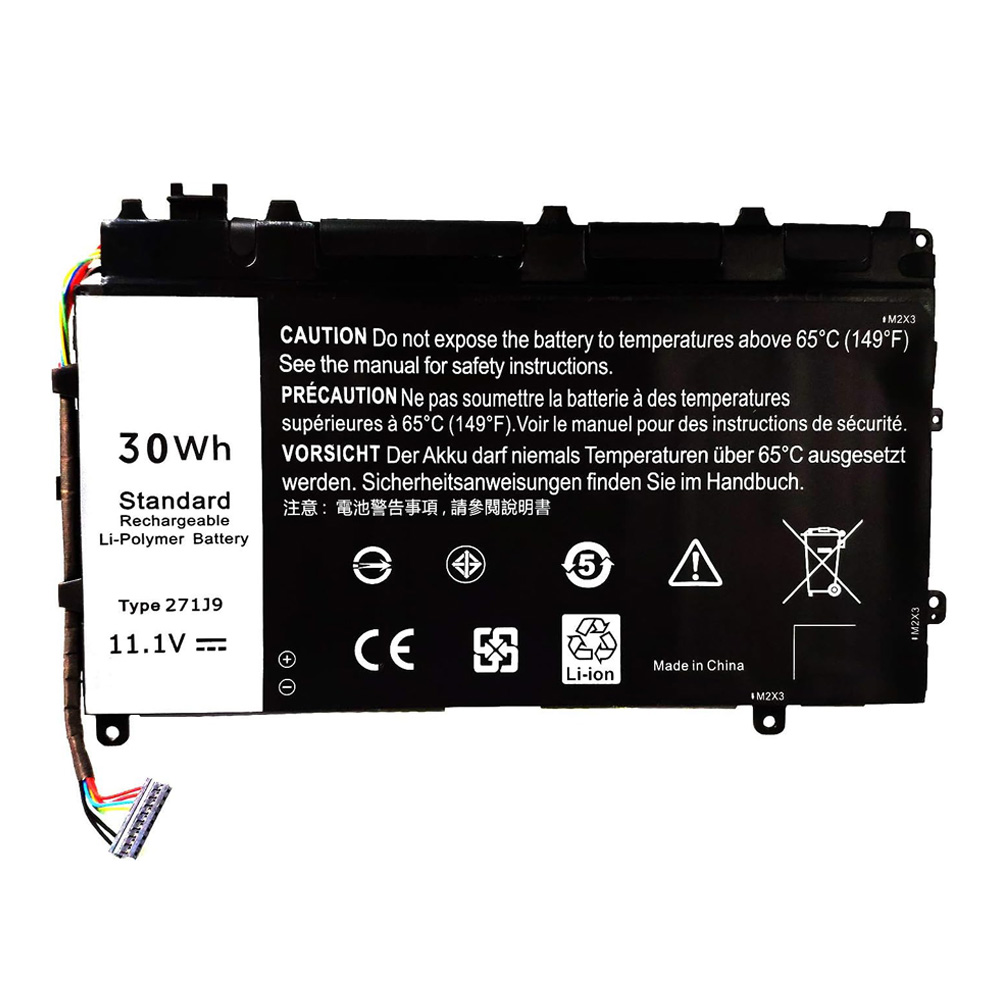
Seemingly expensive original batteries: Like the Dell 271J9, priced higher but labeled “OEM-certified”
95% of users fall into this trap: believing “a battery is just a container for storing power, with little technical complexity.” It’s this misconception that keeps their laptops stuck in a cycle of performance issues.
The Second Truth: The 271J9 Isn’t Just a “Battery”—It’s a “Power Ecosystem”
The uniqueness of the Dell 271J9 lies in three invisible layers:
Layer 1: Chip Conversation
Ordinary batteries passively supply power; the 271J9’s built-in smart chip engages in continuous “dialogue” with your Dell laptop. It learns your usage patterns (periods of high intensity vs. idle time) and dynamically adjusts the discharge curve, boosting actual battery life by up to 23% beyond its rated specifications.
Layer 2: Thermal Intelligence
The primary killer of laptop batteries isn’t charge cycles—it’s heat. The 271J9’s patented thermal management system automatically slows charging when it detects internal temperatures exceeding 38°C, preventing heat damage to the cells. This subtle design can extend battery lifespan by 40%.
Layer 3: Safety Redundancy
Data from Dell Labs in 2021 shows that non-OEM batteries have a failure rate 17 times higher than genuine ones. The 271J9 features a quadruple safety isolation design—if a single cell fails, it’s instantly isolated without affecting overall functionality. This is the “cost-saving corner” most compatible batteries cut.
The Third Truth: Your “Old” Laptop Could Outperform Newer Models
A counterintuitive fact: After replacing the battery in a 3-year-old Dell Latitude 5490 with a new 271J9, its actual battery life may surpass that of some entry-level models released in 2023.
Here’s why:
-
Your older laptop already has mature hardware configuration and system optimization
-
The 271J9 provides stable, high-quality power output
-
Battery replacement costs only 15-20% of buying a new machine
This is the core idea behind the “hardware circular economy”: sometimes the most efficient upgrade isn’t replacing the entire device, but precisely renewing its weakest component.
Time for Action: How to Test If Your Battery Needs Replacement
Perform this simple 2-minute test:
-
Charge your laptop to 100% and disconnect the power
-
Play a locally stored 1080P video at 70% brightness
-
Record the time from 100% to automatic shutdown
How to interpret the results:
-
Over 6 hours: Your battery is in good health
-
4–6 hours: Start considering replacement options
-
Under 4 hours: Your productivity is already being significantly impacted
If you fall into the last category, your choice is no longer “whether to replace the battery,” but “whether to continue tolerating a workday constantly tethered to a power outlet.”